

How to Choose the Right Online Business Tools Without Overspending
Starting an online business doesn’t usually become expensive because of one large purchase.
More often, the costs creep up.
You subscribe to an email service because someone says you need one.
- Then a keyword tool looks useful.
- A social media scheduler saves time.
- An AI tool promises to make content creation easier.
- Before long, you have six or seven monthly subscriptions and aren’t quite sure which ones you’re actually using.
That’s why choosing the right tools for online business matters.
A good tool can save time, simplify a task or help you do something you couldn’t easily do on your own. But buying more software doesn’t automatically give you a better business.
In this guide, we’ll look at how to decide which online business tools you genuinely need, what you can probably delay and how to avoid paying for several different tools that solve essentially the same problem.
You don’t need the perfect collection of software.
You need a small collection that supports what you’re actually trying to do.
Affiliate disclosure: Some links on this page may be affiliate links. If you purchase through one of these links, I may receive a commission at no additional cost to you. I only recommend products or services I believe may be useful to readers.
What Do Tools for Online Business Actually Need to Do?
An online business tool is simply software or a service that helps you complete a particular task.
That might include:
- building and managing a website;
- writing or creating content;
- researching topics and keywords;
- collecting email subscribers;
- communicating with customers;
- tracking website performance;
- creating graphics or videos;
- taking payments;
- scheduling social media posts;
- keeping accounts or records.
There are thousands of online business and small business tools covering these jobs, from simple free services to much more advanced platforms.
That doesn’t mean you need thousands of options.
For most beginners, the important question isn’t:
“What are the best online business tools?”
A better question is:
“What job do I need a tool to do right now?”
That small change can prevent a surprising amount of unnecessary spending.
If you’re still deciding which pieces belong in the basic setup, my guide to what you need to start an online business explains the wider foundation before you begin adding extra software.
1. Start With the Problem, Not the Product
It’s very easy to discover a piece of software first and then find a reason to buy it.
Try reversing that process.
Start with a genuine problem.
For example:
“I need somewhere to publish my articles.”
That may justify paying for website hosting.
“I want visitors to be able to join my email list.”
Now you have a reason to look at an email marketing service.
“I’ve published 40 articles and I’m struggling to see which search queries are bringing visitors.”
That’s a genuine reason to investigate a research or analytics tool.
But:
“This software looks impressive and everyone seems to be using it”
isn’t really a business problem.
The right tools for online business should solve something you can identify clearly.
If you can’t explain the problem the tool is solving, there’s a reasonable chance you don’t need it yet.
2. Separate What You Need Now From What You May Need Later

One of the easiest ways to overspend is to build the business you imagine having two years from now instead of the one you’re running today.
A beginner website with ten articles has different requirements from an established site with hundreds of pages, several products, multiple email campaigns and a large audience.
You might eventually benefit from sophisticated automation, detailed customer management software or a premium research platform.
That doesn’t mean you need them this month.
A simple way to handle this is to divide potential purchases into three groups:
| Need Now | May Need Later | Probably Not Yet |
|---|---|---|
| Website/platform | Advanced email automation | Multiple SEO platforms |
| Basic content tools | Social scheduling | Complex funnel software |
| Email service when appropriate | Premium design tools | Several AI subscriptions |
| Basic measurement | Advanced analytics | Large CRM system |
| Security and backups | Additional automation | Duplicate page builders |
Your own list will vary according to your business model.
That’s the point.
There isn’t a universal software stack that every beginner needs.
3. Check What You Already Have
Before paying for another subscription, look at the tools you’re already using.
Modern software often includes far more features than most people realise.
- Your website platform may already handle basic forms.
- Your email service may include landing pages.
- Your graphics software may already have simple video features.
A tool you use for keyword research may also provide site-audit features.
Even your existing office software may handle planning, spreadsheets, documents and simple collaboration perfectly well.
Before adding another subscription, ask:
“Can something I’m already paying for do this well enough?”
It doesn’t have to be the most advanced solution.
At this stage, “good enough and already available” can be far more sensible than adding another $20, $30 or $50 monthly expense.
4. Look at the Real Cost, Not Just the Headline Price
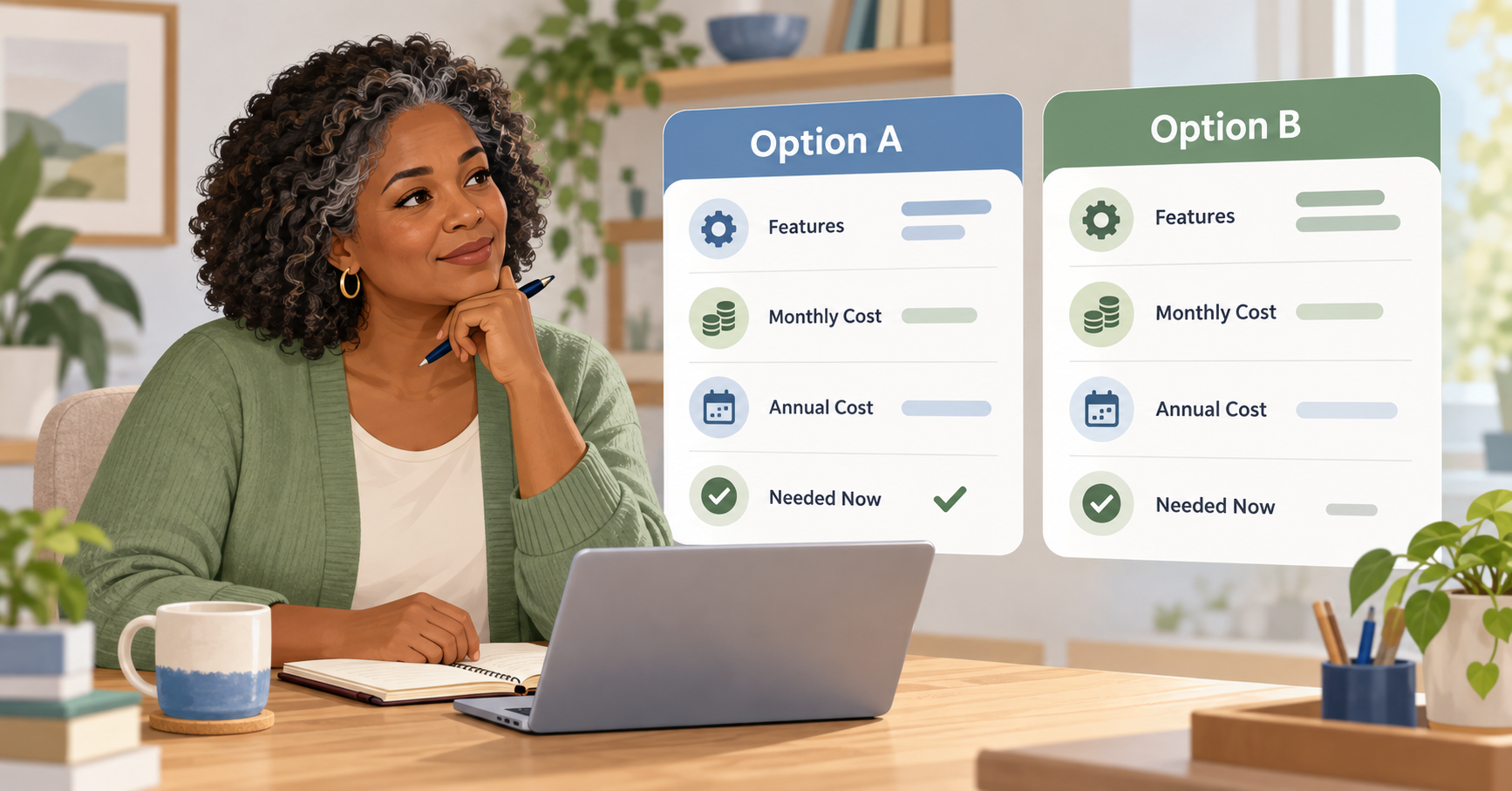
Business software costs aren’t always obvious from the headline subscription price.
A tool advertised from $10 per month might become $29 once you need the feature you actually wanted.
An email service might cost very little with 200 subscribers but become considerably more expensive as the list grows.
A website service might require several paid add-ons.
And an annual plan may be cheaper per month while still requiring a sizeable payment upfront.
When comparing tools for online business, look beyond the starting price.
Consider:
- the features included at the level you actually need;
- subscriber, user or usage limits;
- required add-ons;
- renewal pricing;
- monthly versus annual billing;
- charges as your business grows;
- cancellation conditions;
- whether your data can be exported if you leave.
This is sometimes called the total cost of ownership. In simple terms, it means looking at what something will really cost you to use, rather than concentrating only on the advertised starting price.
The Australian Government’s guidance on digital tools for small business makes a similar recommendation: identify the features you genuinely need, compare total costs and regularly check for duplicate or unused subscriptions.
That’s sensible advice whether you’re running a traditional small business or building a one-person website from home.
5. Use Free Online Business Tools Where They Make Sense
Free doesn’t automatically mean inferior.
In fact, some tools for online business offer free plans that are more than adequate while you’re still getting the basic pieces in place.
Many beginners can do a great deal with free plans and free services.
The important distinction is between a free tool that adequately solves your current problem and a free tool you’re choosing purely because you don’t want to spend anything.
Sometimes paying makes sense.
For example, if a free service places restrictions on something central to your business, upgrading may save time and remove unnecessary frustration.
But you don’t have to upgrade merely because a paid version exists.
Use the free version until you can identify a specific limitation.
Then ask:
“Would paying remove a problem that genuinely matters?”
That’s a much better reason to upgrade.
Free trials can also help, but test them properly. Don’t spend the entire trial exploring every menu.
Use the tool for the exact task you’re considering buying it for.
6. Avoid Paying for Several Tools That Do the Same Job

This is where subscription costs can quietly multiply.
You may have:
- two keyword tools;
- three writing tools;
- several image generators;
- two social schedulers;
- overlapping website plugins;
- multiple analytics services.
Individually, each subscription may look affordable.
Together, they become a significant monthly expense.
When you’re considering a new piece of software, compare it with what you already have.
Ask whether it is:
- replacing an existing tool;
- adding a feature you genuinely need; or
- simply giving you another way of doing something you can already do.
The third category is where I’d be careful.
Having more choices isn’t always helpful.
Sometimes it simply means spending more time deciding which tool to use.
7. Consider the Time Cost as Well as the Money
Software has another cost that’s easy to overlook.
You have to learn how to use it.
A sophisticated platform with 150 features may look better value than a simple one with 20. But if you only need five of them, the simpler platform may actually be the better choice.
Every new piece of software involves some combination of:
- account setup;
- configuration;
- tutorials;
- integrations;
- troubleshooting;
- updates;
- ongoing management.
For a one-person online business, your time matters.
A useful way to judge tools for online business is to ask whether they make your work simpler after the initial learning period.
If the tool adds another dashboard you constantly need to check without solving a meaningful problem, it may be adding complexity rather than removing it.
8. Check Security, Support and Your Ability to Leave
Price and features shouldn’t be the only considerations.
You’re trusting software providers with parts of your business.
Depending on the service, that might include website files, email addresses, customer information, payment details or your own content.
Before relying heavily on a service, check basic questions such as:
- Does it offer appropriate account security?
- Is two-factor authentication available?
- Are backups available where relevant?
- Can you export your information?
- Is there clear help documentation?
- Can you contact support if something goes wrong?
- What happens to your data if you cancel?
You don’t need to become a cybersecurity specialist.
You simply want to avoid building an important part of the business around a service you can’t easily leave or recover from.
9. Review Your Subscriptions Regularly
Choosing software isn’t a once-only decision.
What was useful six months ago may no longer be necessary.
- Your business may have changed.
- You may have stopped using a platform.
- Another service may now include the same feature.
Or you may discover that you’re paying for a premium plan when a lower plan would be enough.
Every few months, go through your recurring subscriptions and ask:
- Have I used this recently?
- What job does it perform?
- Is that job still necessary?
- Do I have another tool doing the same thing?
- Could I move to a lower plan?
- Would cancelling it make any meaningful difference to my business?
Don’t cancel something useful simply to reduce costs.
The aim is to make sure every ongoing expense still has a reason to be there.
Which Online Business Tools Does a Beginner Really Need?
There isn’t one answer that suits every type of business.
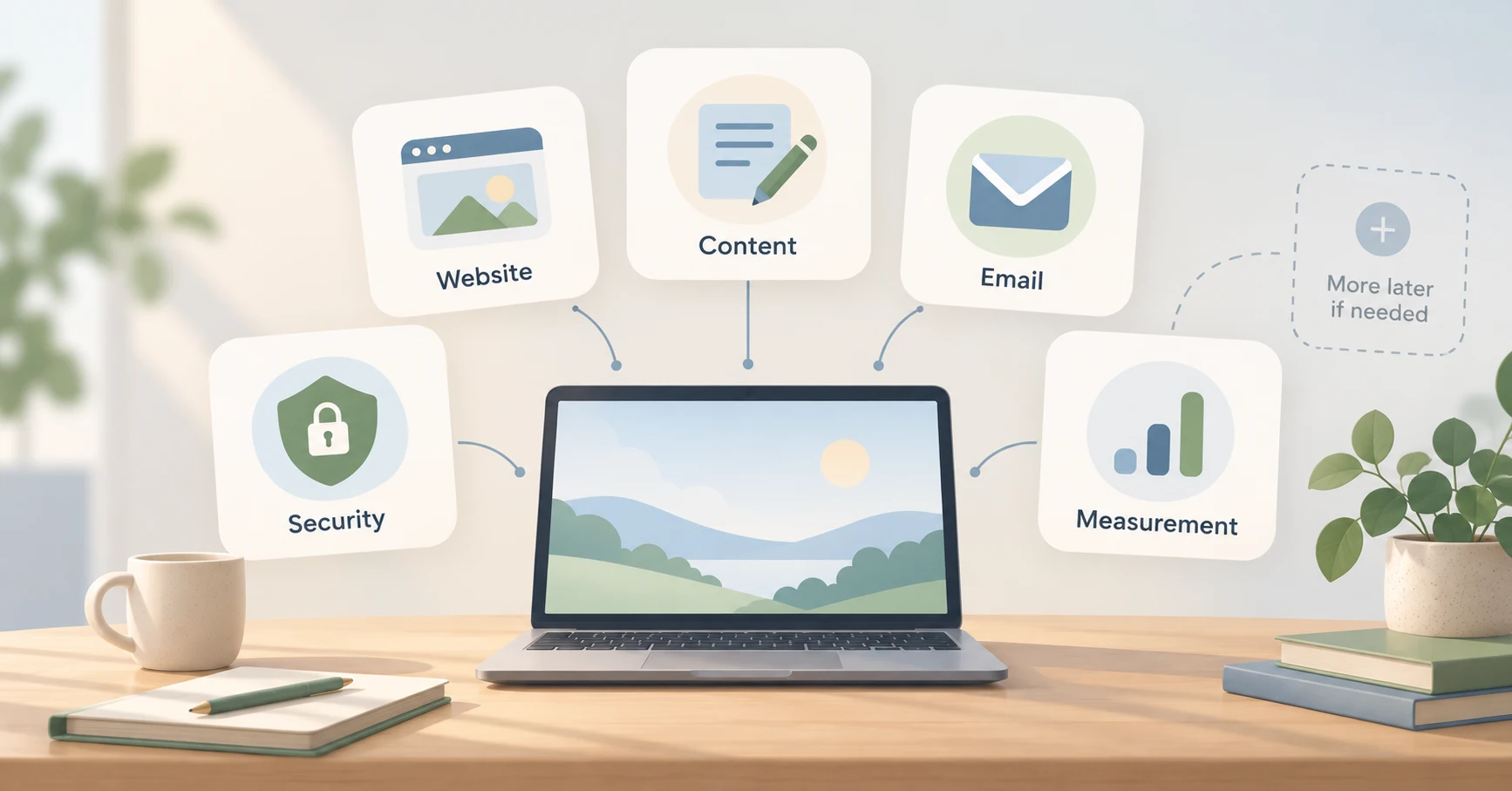
The tools for online business that matter most at the beginning are usually the ones that help you publish, communicate with your audience, measure what’s happening and protect the work you’re building.
Someone selling handmade products will need different software from an affiliate blogger. A freelance designer has different requirements from someone publishing YouTube tutorials.
For a simple content-based online business, however, the starting stack can often remain quite modest.
You may need:
A main online platform.
Usually a website, blog, shop or another place where your main content lives.
A way to create content.
This may be little more than your website editor, a word processor and a basic graphics tool initially.
An email service.
Useful once you want people to subscribe and give you a way to stay in contact.
Basic measurement tools.
You need enough information to understand whether people are finding and using your content. You don’t necessarily need an expensive analytics suite.
Basic security and backup arrangements.
Protect the work you’re building and the accounts you depend on.
Other tools can be added as an actual need appears.
That’s one reason I’ve collected useful services separately on my Resources page. Once you’ve decided what type of tool you actually need, you can look at possible options without turning this article into a long shopping list.
Don’t Confuse a Better Tool With a Better Strategy
This is perhaps the most important point.
Software can make a good process easier.
It rarely fixes a poor process.
Buying a more expensive keyword tool won’t help much if you aren’t publishing useful content.
An advanced email platform won’t help if you’re not giving people a reason to subscribe.
A premium social scheduler won’t solve the problem if you haven’t decided what you want to say or who you’re trying to reach.
This is why buying too many tools is one of the common online business mistakes beginners make.
Get the basic process working first.
Then improve the tools supporting it.
If keeping costs under control is particularly important at the moment, my guide to building a low-cost online business goes further into deciding what deserves your money during the early stages.
A Simple Test Before You Buy Another Tool
Before entering your card details, use this simple check to compare tools for online business and decide whether another subscription is really necessary.
- What exact problem am I trying to solve?
- Do I need to solve it now?
- Do I already own something that can do the job?
- Is there a free version I can test?
- Which features will I genuinely use?
- What will this cost over a full year?
- Will the price rise as I grow?
- Does this replace another subscription?
- If I cancel later, can I take my information with me?
You don’t need nine perfect answers.
What you’re looking for is a clear reason for buying.
If that reason isn’t obvious, give yourself a week and continue working without it.
You may find the need disappears.
If You’d Like More Structured Help
Tools are only one part of building an online business.
You still need to think about your audience, content, traffic, email follow-up and how those pieces work together.
If you’d like a more structured way to work through those areas, you can take a look at CB Profit Club and decide whether it suits where you are at the moment.
There’s no need to add training simply because you’re buying software. Consider it in exactly the same way: does it solve a problem you currently need help with?
Frequently Asked Questions

How many tools for online business does a beginner need?
Usually fewer than you might expect. There isn’t a fixed number because different business models need different systems. A beginner content website may initially need a website platform, basic content tools, an email service when appropriate, simple measurement and suitable security or backups. Add further software when a genuine problem appears. Starting with a smaller setup makes it easier to learn what each tool does and keeps recurring costs under control.
Should I start with free online business tools?
Yes, when the free version does what you currently need. Free plans are useful for learning a platform and testing whether it fits your way of working before committing money. However, don’t stay with a free tool if its restrictions are creating a genuine business problem. The sensible time to upgrade is when you can explain exactly which limitation you’re paying to remove.
Are the best online business tools worth paying for?
They can be, but “best” depends on your requirements. A highly rated service with dozens of advanced features may be poor value for a beginner who only needs one basic function. Look at suitability, ease of use, ongoing price, support and whether you’ll actually use the features. The best choice is usually the one that solves your current problem without adding unnecessary cost or complexity.
How can I stop wasting money on software subscriptions?
Review your recurring payments every few months. Identify what each subscription does, how often you use it and whether another service already performs the same task. Also check whether you’re paying for a higher plan than you need. Small monthly charges are easy to ignore individually, but several unused or overlapping subscriptions can become a significant annual expense.
When should I upgrade my online business tools?
Upgrade when your present tool creates a clear limitation rather than simply because a more advanced version is available. Perhaps you’ve reached an email subscriber limit, need a feature regularly, or are spending too much time doing manually what software could reliably handle. Being able to describe the problem first makes it much easier to judge whether the upgrade is worthwhile.
Final Thoughts

Choosing online business software can become surprisingly complicated because there will always be another platform promising to save time, automate something or give you more information.
You don’t need to ignore useful technology.
You just need to give each purchase a job.
The most sensible tools for online business are the ones that solve a real problem at the stage you’re currently at. You can improve them, replace them and add more as the business develops.
If you already have several subscriptions, your next step doesn’t need to be researching another one.
Make a list of what you’re paying for now.
Beside each item, write down the job it performs.
That simple exercise will usually tell you far more about what you need next than another list of recommended software.
For the wider picture of putting the website, content, email and other basic pieces together, the Online Business Foundation guide will help you work through them one sensible step at a time.
Continue Your Online Business Journey
Explore more resources to help you build and grow your online business.
Recommended Reading
New Here?
Start with the beginner roadmap and learn the fundamentals of affiliate marketing and online business.
Start HereReady For The Next Step?
Discover the complete system I use to build and grow an online business.
Join Profit Club