

How to Update Old Blog Posts: 9 Simple Steps to Improve Traffic
Publishing a new blog post can often feel more productive than going back to something you wrote months ago. New content gives you another page to share, another subject to cover and another item to add to your publishing schedule.
But older posts can deserve just as much attention.
A useful article may already have been indexed, received search impressions or started bringing visitors to your website. If information becomes outdated, search intent changes or newer content isn’t connected to it, that page can gradually become less useful than it once was.
Learning how to update old blog posts gives you a practical way to improve the content you already have rather than assuming that website growth always requires publishing something new.
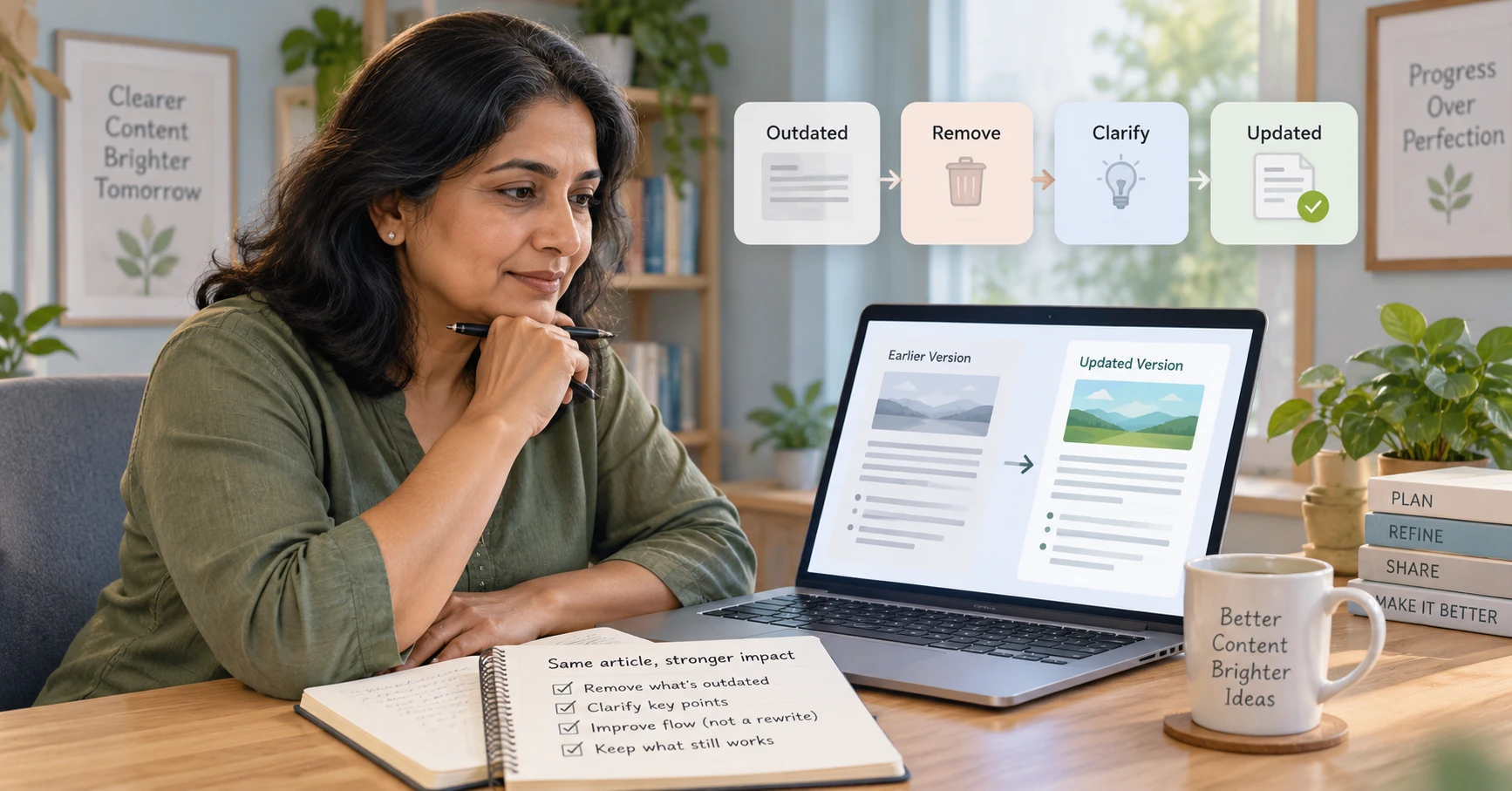
The aim isn’t to change an article simply because it’s old. It’s to find pages with a genuine reason to improve, then make them clearer, more current and more useful for the reader.
If you’d like the wider picture first, my Traffic & Growth for Beginners guide explains how SEO, content, internal linking and other traffic methods fit together.
Affiliate disclosure: This article may contain affiliate links. If you purchase through one of these links, I may earn a commission at no additional cost to you. I only recommend resources that I believe may be useful for beginners.
Why Updating Old Blog Posts Can Be Worthwhile
An older post isn’t automatically a bad post. In fact, it may already have something a brand-new article doesn’t: history.
Google may already know the page. It might be appearing for useful search queries even if it isn’t receiving many clicks yet. Other pages on your site may link to it, and it may already have a place within an established content cluster.
That makes updating old content different from starting again.
A sensible content refresh keeps what is still useful, removes what no longer helps and strengthens the parts that could serve the reader better.
In many cases, it makes more sense to update existing blog posts that already have some search history than to create another page covering much the same subject.
How to Update Old Blog Posts in 9 Simple Steps
You don’t need to rewrite every older page from beginning to end. In many cases, several carefully chosen improvements will make far more sense.
Step 1: Choose Old Posts That Are Actually Worth Updating

Don’t begin by simply opening your oldest article.
Start with evidence.
Google Search Console can help you identify pages already receiving impressions, clicks or visibility for relevant search queries. A post receiving impressions but relatively few clicks may deserve a closer look. So might an article that previously attracted more search traffic than it does now.
Google’s own guidance on the Search Console Performance report explains how you can review clicks, impressions, pages and search queries to understand how your content is performing.
You can also look for important articles containing outdated information, weak internal links or sections you now know could be explained more clearly.
My beginner guide to Google Search Console explains how to read this information without turning it into a complicated reporting exercise.
The important thing is to choose a page because you have a reason to improve it, not just because a certain amount of time has passed.
Step 2: Check Whether the Search Intent Has Changed

Search intent simply means what the person is trying to achieve when they type something into a search engine.
An article can still be well written but become less useful if it no longer matches what searchers are looking for.
Before making detailed edits, search the main topic again. Look at the type of pages appearing now.
Are people mainly looking for a tutorial, checklist, comparison, definition or something more current than your original article provides?
Then compare that with your page.
You don’t need to copy the current search results. You’re simply checking whether your article still answers the right question in an appropriate format.
If this part is unfamiliar, my guide to search intent explains a simple process for working it out.
Step 3: Remove Outdated Information and Weak Examples
Now read the article as though you’re seeing it for the first time.
Look for dates, screenshots, tool instructions, examples, statistics, recommendations or references that may no longer be accurate. Check external links as well to make sure they still lead somewhere useful.
Sometimes the best update isn’t adding more. It’s removing something that no longer belongs.
A paragraph may have been correct when you originally published it but add little value today. An old screenshot might make a current process look more confusing rather than less.
Keep the useful foundation, but don’t preserve material simply because it’s already there.
Step 4: Improve the Introduction and Main Answer
Introductions often become easier to improve after you’ve spent more time writing for your audience.
An older post may take too long to reach the point, begin with a generic explanation or assume the reader already understands too much.
Rewrite the opening so that it…
- quickly recognises the reader’s problem,
- explains what the article will help them do
- and moves naturally into the answer.
This is also a good time to review the title.
If the page receives search impressions but relatively few clicks, ask whether the title accurately and clearly describes what the reader will find.
That doesn’t mean adding dramatic language.
A clear title such as How to Update Old Blog Posts: 9 Simple Steps to Improve Traffic tells the reader far more than a vague promise about “transforming your content.“
Step 5: Fill Important Gaps Without Adding Length for Its Own Sake
Next, review the main body of the article.
Ask what a beginner might still need after reading each section.
- Perhaps you mention a process but never show an example.
- Maybe you’ve used a technical term without properly explaining it.
- A useful question may be missing.
- Or a short section now deserves a little more detail.
Add information when it genuinely improves understanding.
At the same time, remove repetition and anything that has drifted away from the article’s main purpose.
Updating a 1,500-word post doesn’t automatically mean turning it into a 3,000-word post.
The better question is:
Does this article now answer the reader’s question more clearly and completely than it did before?
That’s a much more useful target than word count.
Step 6: Review the On-Page SEO Basics
Once the content itself is stronger, review the basic on-page SEO. This is an important part of learning how to update old blog posts for SEO without simply adding more words or repeating keywords.
Check the page title, headings, meta description, images, alt text and the way the focus keyword is being used. Make sure the page still has one clear subject and that its title and description accurately represent what someone will find after clicking.
You don’t need the exact keyword in every heading.
Use your main phrase naturally, then use normal variations where they make more sense. Writing for an SEO score at the expense of readability usually makes the page worse rather than better.
This is a natural place to work through your On-Page SEO Checklist as part of the update.
One thing I would normally leave alone is the URL. If an existing URL is accurate and working properly, changing it simply to make it slightly shorter or add a keyword can create unnecessary work.
Step 7: Update the Internal Links in Both Directions

Older articles often miss links to useful pages that didn’t exist when they were originally published.
This is one of the easiest improvements to overlook.
Read through the article and add links wherever a newer page genuinely answers the reader’s next question. You may now have a better supporting article, a relevant pillar page or a more detailed guide covering one part of the subject.
Then look in the other direction.
If you’ve published newer articles around the same subject, should one or two of those pages now link back to the older post you’ve improved?
This two-way process helps turn individual posts into a connected content library.
My guide to internal linking for SEO explains this in more detail, including how supporting posts and pillar pages can work together.
Step 8: Review the Images, Readability and Next Step
A content update is also a good opportunity to look beyond the words.
Replace any images that feel dated, unclear or inconsistent with the rest of your website. Check that image filenames are sensible and that alt text accurately describes what the image contains.
Then read the page on a phone if possible.
Large paragraphs that look perfectly reasonable on a desktop screen can become harder to follow on a smaller display.
Finally, look at what happens when the reader reaches the end of the article.
Does the page give them a sensible next step?
That may be another educational article, the relevant pillar guide, an email signup or a carefully selected resource. The next step should follow naturally from what the reader has just learned.
Step 9: Publish the Update Carefully and Measure What Happens

Once you’ve made a meaningful improvement, keep the existing URL unless you have a strong reason to change it.
If the article has been substantially updated, it can also make sense to show a clear updated date. What you want to avoid is simply changing the date on an otherwise untouched page to make it appear new.
Google’s guidance suggests that showing a fresh date can make sense when an article has been substantially updated, but simply changing the date without making meaningful improvements isn’t a good approach.
After publishing, check the finished article again on desktop and mobile. Make sure the formatting, links and images are working correctly.
Then give the changes time.
Return to Search Console later and compare impressions, clicks, click-through rate and the search queries connected with the page.
You’re looking for useful trends rather than expecting an overnight jump.
That measurement is what turns how to update old blog posts from an occasional tidy-up into a repeatable content-improvement process.
A Simple Blog Post Update Checklist
You don’t need to rebuild every article from scratch. For most updates, this simple process is enough:
- Choose a page with a genuine reason to improve.
- Review the current search intent.
- Remove outdated or unnecessary information.
- Improve the introduction and weaker sections.
- Check the title, headings and basic on-page SEO.
- Add useful internal links in both directions.
- Review images, readability and the reader’s next step.
- Keep the existing URL where practical.
- Measure the page again after the changes have had time to settle.
Even one or two useful updates each month can be worthwhile maintenance.
The aim isn’t to create another endless list of jobs. It’s to gradually build a stronger and more useful content library.
Want a More Structured Way to Build and Improve Your Site?
If you’d like more guidance on putting content, traffic and the wider online-business pieces together, you can take a look at CB Profit Club and decide whether it suits where you are at the moment.
The important thing is to apply what you learn rather than continually collect more information. One useful improvement to an existing page can be a perfectly sensible next step.

Frequently Asked Questions
How Often Should I Update Old Blog Posts?
There isn’t one schedule that suits every website. A sensible approach is to review important posts periodically and update them when the information, search intent, internal links or performance gives you a reason to do so. Pages dealing with fast-changing tools or platforms may need attention more often. Evergreen articles can remain useful for much longer.
Can Updating an Old Blog Post Improve Traffic?
It can, but there is no guarantee.
A useful update may improve how well the page answers the searcher’s question, strengthen internal links, improve the way the search result attracts clicks or replace outdated information.
Results will depend on the topic, competition, existing visibility and the quality of the changes. Search Console can help you judge the effect over time.
Should I Change the URL When I Update an Old Post?
Usually not.
If the existing URL is accurate and working, keeping it is normally the simpler choice. Changing a URL can mean setting up redirects and updating links pointing to the old address.
Consider changing it only when there’s a clear reason, such as an old URL that no longer represents the subject of the page.
Should I Change the Published Date After Updating a Post?
If you’ve made substantial changes, showing an updated date can help readers understand that the article has been refreshed.
A small spelling correction or minor wording change generally isn’t a meaningful content update. The date should reflect genuine work rather than being changed simply to make an older article appear new.
Is It Better to Update an Old Post or Write a New One?
It depends on the question you’re answering.
If the existing article already covers the same search intent, improving that page will often make more sense than creating another article that competes with it.
If the new idea answers a clearly different question, a separate article may be appropriate. Check the purpose of the existing page before deciding.
Final Thoughts
Knowing how to update old blog posts changes the way you look at your existing content.
A published article isn’t necessarily finished forever, but that doesn’t mean it needs constant tinkering either.
The useful middle ground is to review a page when there’s a reason, improve what genuinely needs improving and leave the parts that still work alone.
Start with one article that already matters to your website.
Look at its Search Console data, read it from a beginner’s point of view and choose the most obvious improvement.
Then make that improvement properly.
Over time, your website can grow not only through new articles, but by making the content you’ve already created more useful.
Continue Your Online Business Journey
Explore more resources to help you build and grow your online business.
Recommended Reading
New Here?
Start with the beginner roadmap and learn the fundamentals of affiliate marketing and online business.
Start HereReady For The Next Step?
Discover the complete system I use to build and grow an online business.
Join Profit Club